(copied from TG Twisted Gamers)
-
Download the latest Ultrathing from here: http://bit.ly/1cGeY87
-
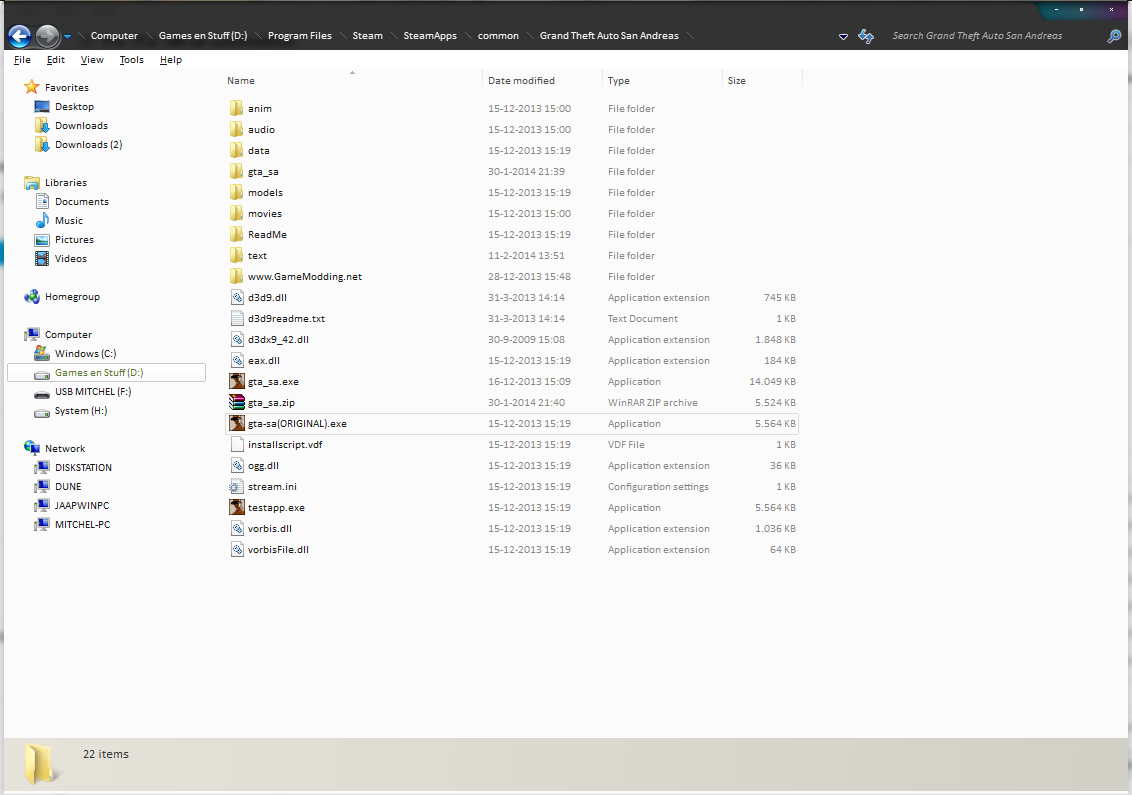
locate your GTA:SA directory, if you’ve bought it at steam go here: C:Program Files > Steam > SteamApps > common > Grand Theft Auto San Andreas
-
Unzip the file you just downloaded.
if done correctly you’ll end up with these files
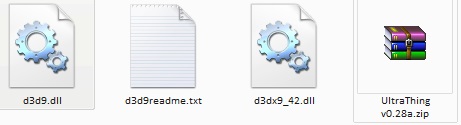
- Then copy the files you just unzipped to your GTASA directory, which now should look like this:
-
You have now installed ultrathing but you still need to configure ultrathing.
-
Now start up MTASA.
-
if all done correctly your MTA should be windowed now.
-
When you’re in the main menu of MTA press ALT+F2 you’ll get this menu:
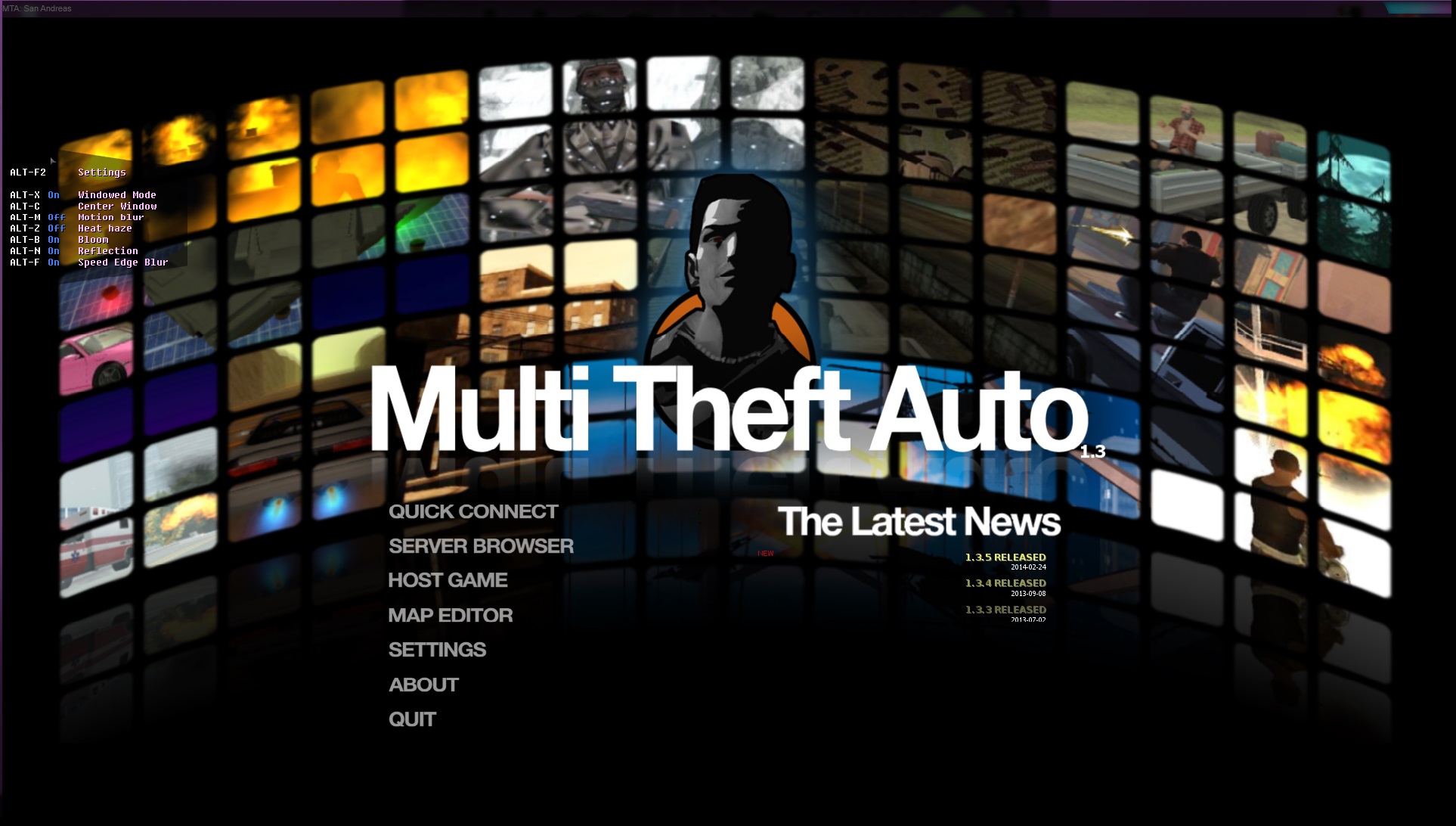
So if you don’t want you MTA windowed do ALT+X a restart is required
Now you have succesfully installed ultrathing for GTASA, you can now configure it.
I recommend:
Motion blur: off
Heat haze: off
Bloom: on
Reflection: on
Speed edge blur: off
(NOTE: This will only be visible to you)